
Setting up the internet for the first time sounds simple until you're on hold with a provider for forty minutes, nobody told you installation takes two weeks, and the plan you picked online apparently doesn't cover your specific building. Switching ISPs isn't much better — your promotional rate quietly expired, the bill went up $40, and you called to complain only to end up agreeing to a new 24-month contract. Both situations require the same thing: knowing what you're actually signing up for before you sign up for it.
Step Zero: Check Your Actual Address

Not your zip code. Not your city. Your address. Coverage maps that ISPs publish are drawn to look generous — fiber might end two streets away, or a cable provider might show 90% zip code coverage while your specific building is in the other 10%. Two apartments in the same complex sometimes have different provider options depending on what the landlord negotiated years ago. Go to each provider's website and type in your full street address. If you don't know which ISPs operate in your area, the FCC's broadband availability map at broadbandmap.fcc.gov shows every registered provider at a specific address. Build your decision around what's real, not what looks available on a marketing page.
If You've Never Had Internet Before — Read This First
Moving into your first apartment means a few things nobody mentions in comparison articles. Installation takes longer than advertised — fiber can take two to four weeks from sign-up to activation, cable is usually faster. Set up your phone's hotspot or look at 5G home internet if you need service on move-in day. Your landlord's setup matters too: some buildings have exclusive deals with one provider, others are only wired for one connection type. Call your building manager before you shop. Expect your first bill to be higher than the plan rate — installation fees, partial month charges, equipment costs, and activation fees all show up at once. Ask the rep to itemize your first bill before you commit.
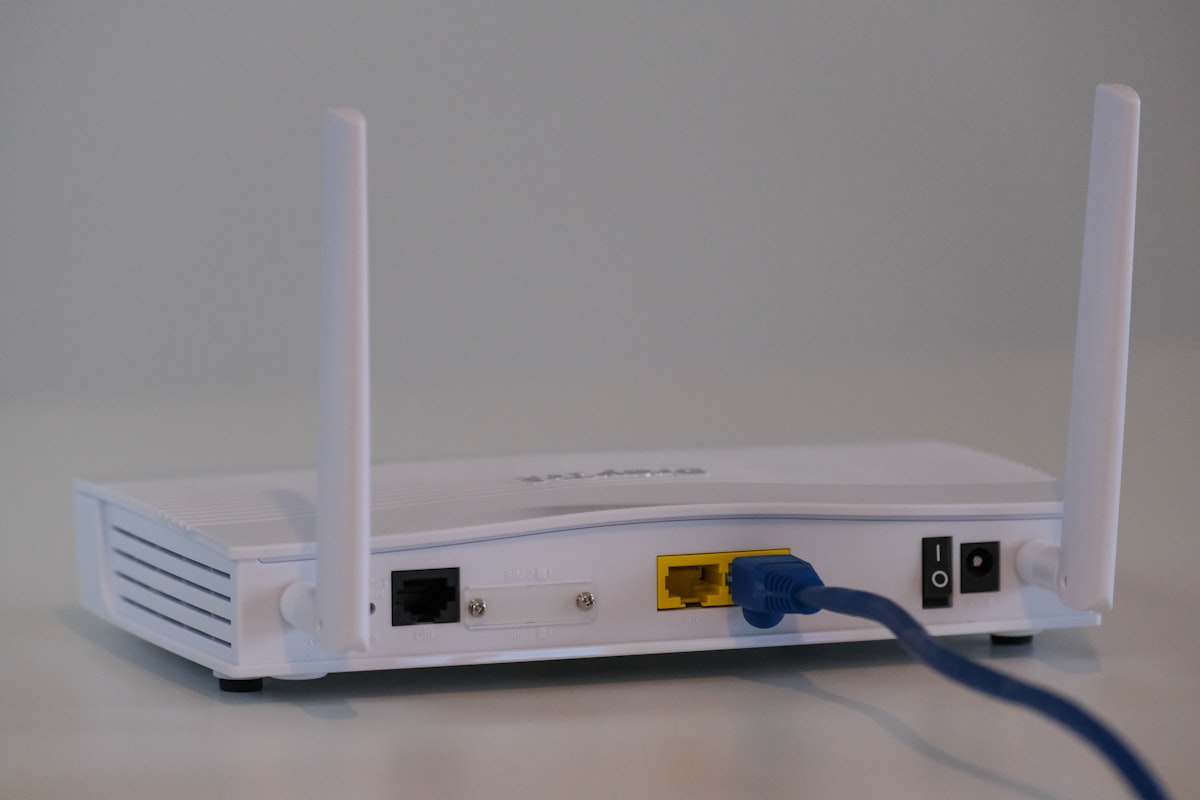
- ✓Equipment rental isn't required — providers charge $10–15/month to rent a modem and router. Buying compatible hardware upfront ($160–250 total) eliminates that recurring cost permanently. Check the provider's approved device list before purchasing.
- ✓Ask for the broadband nutrition label — required by the FCC since 2024, it lists every fee, the post-promo rate, data cap, contract length, and early termination fee in one standardized page.
- ✓Installation windows are estimates — assume the actual wait will be longer than quoted, especially for fiber in buildings that haven't been wired before.
If You're Switching — What to Do Before You Cancel

Don't cancel your current service before you have a confirmed install date for the new one. Check your current contract status first — the early termination fee on most cable plans runs $10 per remaining month, so if you're in month 8 of a 24-month contract, that's $160 to leave. Sometimes that fee makes switching financially neutral even if the new plan is cheaper. One thing worth trying before you do anything: call your current provider's retention line and tell them your promotional rate expired and you're considering switching. Retention departments carry discounts and bill credits that aren't listed anywhere on their website. This call takes twenty minutes and occasionally saves $200–400 per year.
Upload Speed — The Number They Don't Advertise

Most providers lead with download speed because it's the bigger number. Upload speed — which runs your video calls, file transfers, and cloud backups — gets buried in a footnote or left off the summary entirely. A typical cable gigabit plan might offer 1,200 Mbps download and 35 Mbps upload. That gap is enormous in practice: two people on simultaneous video calls with a corporate VPN running in the background can completely saturate 35 Mbps upload. The download numbers are fine — the calls drop because the upload has nothing left to give. Fiber plans are typically symmetric, meaning the same speed in both directions. That symmetry is the actual reason work-from-home households prefer fiber, not the raw download number. Find the upload figure for whatever plan you're considering — it should be on the broadband nutrition label.
Data Caps — The Hidden Monthly Cost

Many major cable providers cap residential plans at 1.2 TB per month. Four people watching HD video for three hours each day uses roughly 400 GB. Add gaming updates — a single modern patch can run 50–100 GB — cloud backups, video calls throughout the week, and background device updates. An active household can clear 1.2 TB without any deliberate effort. Overages hit fast: typically $10 per 50 GB, up to $100 in extra charges per month. That's a potential $1,200 per year in costs that appear nowhere in the plan's headline price. Most fiber plans carry no data cap at all. Most major cable plans do. This single variable can flip which plan is actually cheaper when you run the real numbers.
Peak-Hour Performance
Speed tests at noon look great. Speed tests at 8 PM on a weekday tell a different story. Cable infrastructure runs through shared neighborhood nodes — when everyone gets home and starts streaming simultaneously, real-world speeds can drop 15–25% in heavily used areas. Fiber runs a dedicated strand to your address, so your neighbor's usage has no effect on yours. That's a genuine, feelable difference during evening hours. Before committing to any provider, search Reddit for your city name plus the provider name. Local subreddits have candid, current accounts of evening performance, outage patterns, and support quality from people who actually live there. Provider marketing doesn't appear in those threads. Real customers do.
The Honest Two-Year Cost

The number on the plan page is a promotional rate. It lasts 12 months in most cases. The real calculation takes five minutes: promotional rate × 12, plus standard post-promo rate × 12, plus equipment rental for 24 months if you're not buying your own, plus realistic overage estimates if there's a data cap, plus any installation fee. A plan that looks $20/month cheaper than a competitor can cost $300–400 more over two years once the promotional pricing expires, equipment rental accumulates, and data overages start appearing. Run this math for every option you're seriously considering. The winner isn't always the one with the lower headline number.
Contracts and Early Termination Fees
Month-to-month plans cost slightly more per month but let you leave without penalty. Contract plans are cheaper monthly but lock you in — typically $10 per remaining month if you cancel early. If you're confident you'll stay at the address for the full contract term and comfortable with the post-promo pricing, the contract saves money. If you're renting, might move, or aren't sure about a provider's reliability in your area — pay the small premium for flexibility. Getting locked into a bad connection with a $200 ETF sitting between you and a switch is a genuinely unpleasant situation.
Connection Types Worth Considering in 2026
Fiber is the strongest performing residential option currently available: symmetric speeds, dedicated connection, no shared node congestion, no caps on most plans, and lowest latency. If it's at your address and within budget, it's a straightforward recommendation. Cable covers roughly 88% of US homes with strong download speeds, though upload is asymmetric and data caps are common — the right choice where fiber isn't available or where the price gap is significant. 5G Home Internet ships directly to your door with no installation appointment and often no contract, but performance depends on 5G signal strength at your address — take advantage of trial periods before committing. Fixed wireless is best suited for rural and exurban areas where wired options don't reach. Low-earth-orbit satellite has brought real broadband speeds to addresses where cable and fiber won't arrive for years — latency is higher than wired, but for streaming and browsing it's a genuine solution now.
- ✓Fiber — Symmetric speeds, no congestion, no caps on most plans. Strongest option where available; availability varies significantly by address.
- ✓Cable — Widest coverage (~88% of US homes). Strong download, asymmetric upload, caps common. Best where fiber isn't available.
- ✓5G Home Internet — No installation appointment, often no contract. Performance depends on signal at your specific address — use the trial period.
- ✓Fixed Wireless — Best for rural and exurban areas. Performance depends on tower distance, terrain, and signal quality.
- ✓Satellite (LEO) — Real broadband speeds where wired options don't reach. Higher latency than wired, but a genuine solution for remote addresses.
- ✓DSL — If it's your only option, it's your only option. Take anything faster if it's available at your address.
Five Questions to Ask Before You Sign Anything

Get answers to these in writing — on the broadband nutrition label or via email confirmation. Not verbal. A provider's verbal assurance carries no weight once you're locked in.
- ✓What is the standard monthly rate after the promotional period ends? This is the price you'll actually pay for most of the contract.
- ✓Does this plan have a data cap, and what are the overage charges? If yes, ask what it costs to add unlimited — sometimes $10–20/month, which is worth it.
- ✓What is the early termination fee if I need to cancel? Get the exact per-month figure and ask if a no-contract option exists and what it costs.
- ✓Can I use my own modem and router instead of renting yours? If yes, ask for the approved equipment list — the savings over two years are real.
- ✓What is the realistic installation timeline? Get a range and ask what compensation or alternatives exist if they miss it.
Frequently Asked Questions
The questions that come up most often when people are choosing or switching internet service.
- ✓How do I find every ISP at my address? Enter your full street address on each provider's website individually — zip code searches are not accurate enough. Also check broadbandmap.fcc.gov for a complete federal registry by address.
- ✓What is the broadband nutrition label? Since 2024, the FCC requires every provider to publish a one-page summary for each plan: monthly price, promotional period, post-promo rate, download speed, upload speed, data cap, overage charges, contract length, and early termination fee. Find it on the plan page or ask for it by name.
- ✓Is switching ISPs worth the hassle? Check your current ETF first. Calculate the honest 24-month cost for both options. If the math clearly favors switching and you're out of contract — yes. If an ETF eats most of the savings — call retention first.
- ✓Should I buy my own modem and router? Usually yes. Monthly rental fees add up to $240–360 over two years for hardware you never own. Check the provider's approved device list before purchasing — not every modem works with every plan tier.
- ✓What if I only have one ISP at my address? Your negotiating position is limited but not zero. Ask about no-contract terms, promotional pricing, and whether equipment fees can be waived. Also check whether 5G home internet or fixed wireless could serve as a genuine alternative — in some areas these have improved enough to compete.
Explore Related Pages
Check Availability
See every provider available at your exact address
Compare Connection Types
Cable, fiber, and wireless home internet compared side by side
Internet Speed Guide
How much speed does your household actually need?
Lower Your Internet Bill
Tips for reducing what you pay for internet service
Home Internet Options
Review available home internet plans at your address
Fiber Internet Options
Check fiber availability and options at your address